
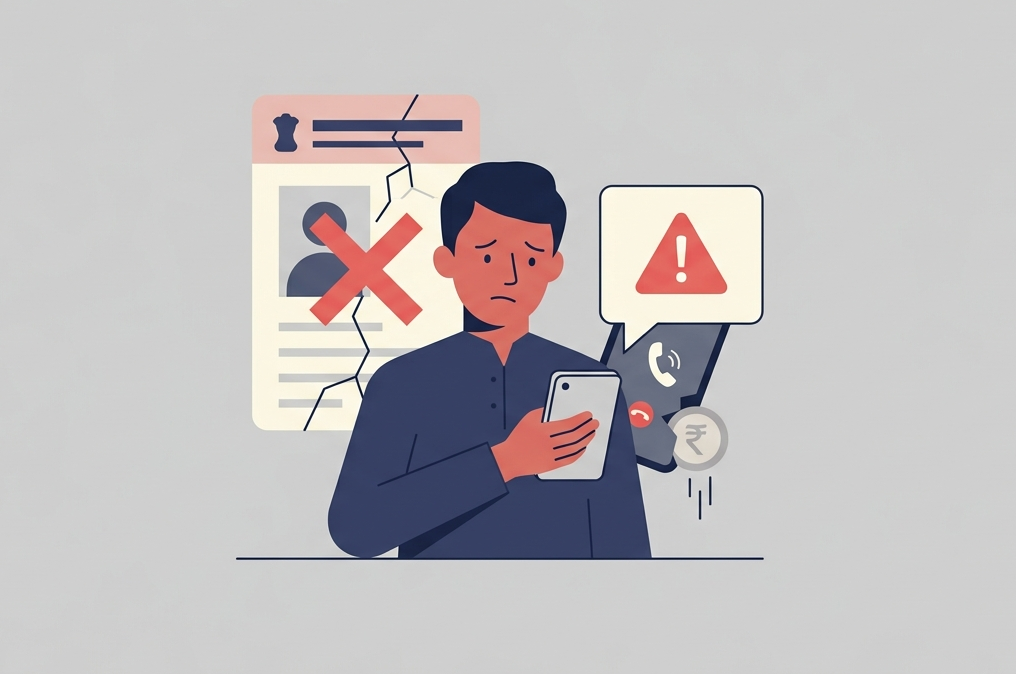
Your name on the electoral roll is not something you need to pay for. But that has not stopped scammers from turning the ongoing Special Intensive Revision (SIR) of voter lists into their latest modus operandi. As citizens fill up forms, submit details and try to ensure they qualify as eligible voters for the next elections, scammers have, yet again, identified which fears to exploit.
In Bengaluru, a techie was talked out of nearly ₹3.5 lakh after a caller claimed his SIR form had an error. In Pune, a senior citizen lost over ₹4 lakh to the same story, while another resident was defrauded of close to ₹5 lakh soon after. Different cities, same script: a call about a mistake on your form, and a rush to “fix” it before you are struck off.
It works because the SIR process is confusing and the stakes feel high: no one wants to lose their right to vote. Scammers exploit exactly that anxiety.
How it works
- The call. You get a call from an unknown number. The caller claims to be a Booth Level Officer or an Election Commission official, and says there is a problem with your form which manifests in the form of a mismatch in your father’s name, or a form that has been “rejected.”
- The fix. To resolve it urgently, they say, you need to verify your details right away. They send a link or an app file over WhatsApp, styled to look official.
- The nominal fee. The form asks for a token processing charge, sometimes as little as ₹5, paid by card or net banking. It feels too small to question.
- The harvest. Behind that small payment sits a fake gateway built to capture your card number, CVV, OTP, or net banking password.
- The drain. Within minutes, the scammers use what they have collected to move money out of your account.
Warning signs
- Any voter-verification message arriving over WhatsApp or any other private messaging application, from an unknown number.
- A request to download an APK file instead of using the official Voter Helpline app.
- A request for payment of any amount, however small, to process your form.
- A demand for your bank login, card details, or OTP over a phone call.
What to do
- Do not click the link, and do not install the APK.
- Verify your voter details only on voters.eci.gov.in or the official Voter Helpline app, downloaded from the Play Store or App Store.
- If you have already installed an unknown APK or shared financial details, call your bank immediately to block the card and freeze net banking access, and uninstall the app before doing anything else on that phone.
- Report the number and site on the Sanchar Saathi portal, and file a complaint at cybercrime.gov.in or by calling 1930.
This isn’t just advice from cybersecurity desks. In Hyderabad, the District Election Officer and city police commissioner VC Sajjanar issued a public advisory stating plainly that the ECI and BLOs will never ask for an OTP over a phone call, and urged people to hang up and call 1930 if asked. In Maharashtra, Chief Electoral Officer S. Chokkalingam issued a similar appeal after voters began receiving fake WhatsApp messages about their SIR documents, clarifying that the process is entirely free and that no payment should ever be made.
The SIR process itself costs nothing. Any call that asks you to pay to stay on the voter list is a scam.
You can report any cybercrime incident to the National Cybercrime Helpline by dialling 1930, or register your complaint at cybercrime.gov.in.
Cover image created with generative AI.