
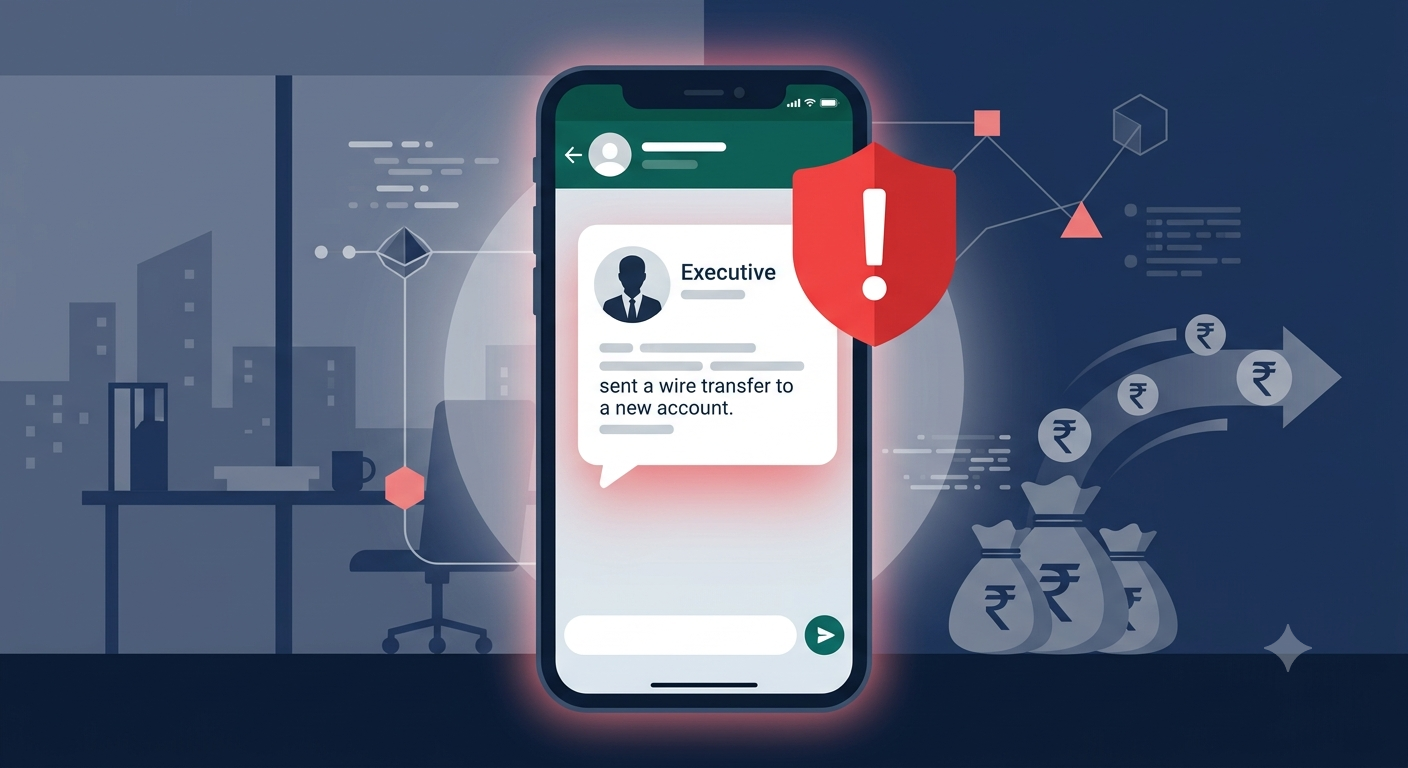
Your company’s finance team gets a WhatsApp message from the CEO’s number saying that there is an urgent payment due, a regulatory deadline, and the instruction is to handle it now. The number and account name check out. Everything moves fast because that is what you do when instructions come from the top.
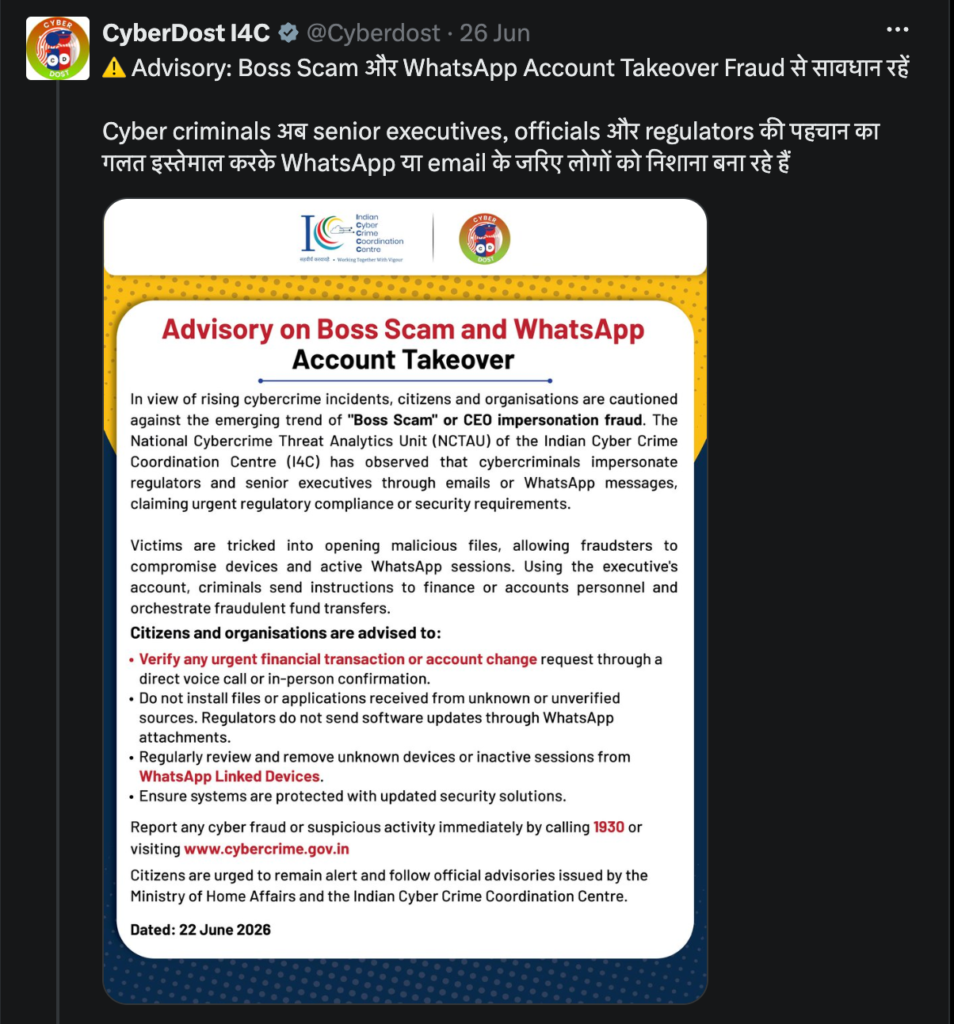
The money leaves your account, but it turns out your real CEO never sent that message. This is dubbed as the ‘Boss Scam.’ The Indian Cyber Crime Coordination Centre (I4C) under the Ministry of Home Affairs issued an advisory, flagging it as a growing threat targeting companies across India.
How it works
1. The regulator disguise
It begins with a single message, often an email or WhatsApp, directed at a senior leader such as the CEO or CFO. Posing as a regulator, it claims the organisation has breached compliance or requires an immediate security update. The tone is urgent and engineered to short-circuit scepticism.
2. The malicious file
The message contains a compressed ZIP file, typically dressed up as a compliance document or mandatory software update. When the executive opens it on their device, a Trojan dropper runs quietly in the background. The malware establishes persistence on the device and compromises its security. The real damage is what it does next.
It hijacks active WhatsApp Web session tokens. That means the attacker now has access to the executive’s WhatsApp account. They can read conversations, send messages, and impersonate the executive without their knowledge.
3. The order to transfer
With the executive’s WhatsApp in hand, the fraudster contacts company staff directly instructing them to transfer money to a specified bank account. In many cases, the instruction goes from the CEO straight to a financial officer, exploiting the normal chain of command. Because the message is indistinguishable from a real one, teams often act on it. By the time anyone thinks to verify, the money has already moved.
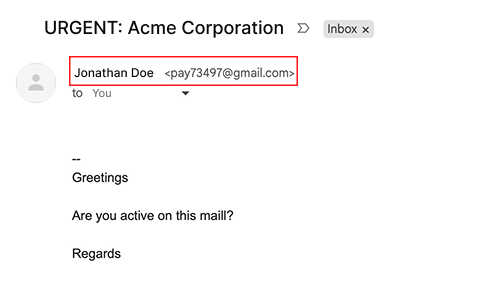
In less sophisticated versions of this fraud, you may receive a message from a number or an email which claims to be your senior colleague. If you receive any irregular emails from your colleagues which request money transfer, sensitive details, or even cursory information like the office address, always double check the email ID and the phone number of the sender, not just the associated name.
Warning signs
- A compressed file or ZIP attachment arrives from what appears to be a regulator, asking for immediate installation.
- Your organisation receives a WhatsApp message from senior leadership demanding an urgent fund transfer without prior discussion or a paper trail.
- The request involves a new or unfamiliar bank account.
- A colleague reports that the CEO’s WhatsApp is sending unusual messages they seem unaware of.
- A phone number saved under a leadership contact’s name does not match the number you have on record.
What to do if your company is targeted
Act quickly and verify before anything else moves. If a suspicious transaction has already gone through:
- Immediately contact your bank to recall the transfer
- File a complaint on the cybercrime portal or call 1930, the national cybercrime helpline
- Report the incident in writing to senior leadership and your legal team
- Preserve all evidence: screenshots of the WhatsApp conversation, email headers, the ZIP file
- File a police complaint; this creates a paper trail that may help with recovery and insurance
How to protect your organisation
- Train finance teams to treat any urgent payment request arriving only over WhatsApp or email as unverified, regardless of the sender’s name. The verification call has to happen before any money moves.
- Establish a standing rule: changes to bank account details or fund transfers above a certain amount require voice confirmation through a known number, not a reply to the same message chain.
- Regulatory bodies do not distribute mandatory software updates or security patches via WhatsApp. Any file arriving that way should be treated as malicious.
- IT administrators should configure software restriction policies that prevent unknown .exe and .dll files from running out of user profile directories. This cuts off the Trojan dropper before it can execute.
- Do not open compressed files from unverified sources, even if the sender appears to be a regulatory authority. Forward suspicious attachments to your IT or security team instead.
- Periodically audit the contact lists on executive devices, especially for leadership names that appear to have two entries or an unfamiliar number.
You can report any cybercrime incident to the National Cybercrime Helpline by dialling 1930, or register your complaint at cybercrime.gov.in.